Top employee hiring tools in 2026: smarter tech recruitment workflows
Editorial disclosure: This article is published by HackerEarth, which is included in the comparison below alongside competing platforms. Competitor entries are based on publicly available vendor documentation; we have aimed to describe each tool fairly, but readers should evaluate vendors independently.
Most technical hiring pipelines lose more time to bad screening than to candidate shortage. For tech recruiters and talent acquisition leaders running pipelines at 1,000+ person companies, the gap between the right stack and the wrong one shows up directly in time-to-hire, engineering capacity, and offer acceptance rates. Employee hiring tools — the software platforms recruiters use to source, screen, assess, and hire candidates — now sit at the center of that outcome.
The SHRM 2024 Talent Acquisition Benchmarking Report documents a continued upward trend in time-to-hire across industries, with median time-to-fill for many technical and professional roles measured in weeks rather than days. The issue is not a lack of options. Most hiring teams are using the wrong combination of tools for the job: a general-purpose applicant tracking system was never designed to evaluate whether a developer can write clean code, a video call tool was never meant to replace a structured technical interview, and a spreadsheet was never a hiring pipeline.
Here is a sharper position worth stating up front: ATS-first stacks, deployed without a dedicated technical assessment layer, are actively harmful for engineering hiring at scale. They optimize pipeline movement, not skill verification, and the cost lands on engineering calendars. This guide is for tech recruiters and HR leaders evaluating skills-based hiring platforms, pre-employment testing tools, and recruiting automation. For deeper context on structured technical assessment, see our guide on skills-based hiring and our overview of how to conduct effective technical interviews.
What employee hiring tools are and why generic solutions fall short
Defining the modern employee hiring tool stack
Employee hiring tools are software platforms that help organizations source, screen, evaluate, and hire candidates more efficiently. In practice, most companies combine an applicant tracking system (ATS) to manage the pipeline, a candidate relationship management (CRM) layer for passive sourcing, a technical assessment platform to evaluate skills, a live interview tool, and analytics to measure what is working. The gaps between these tools — and the difference between ATS and CRM functions — are where mis-hires happen and good candidates quietly drop off. Boolean search across resume databases, structured interviewing frameworks, and skills-based evaluation are now baseline practices for high-performing technical recruiting teams.
Why tech recruitment demands specialized employee hiring tools
Hiring a software engineer is categorically different from hiring almost anyone else. You cannot evaluate coding ability from a resume, and you cannot reliably assess system design thinking from a 30-minute competency interview. Resume embellishment in technical hiring is a directional concern in industry reporting, though specific figures should be treated cautiously without a primary source. Industry analysts covering talent acquisition technology have noted that organizations using structured, skills-based assessments tend to report faster hiring cycles than those relying on resume screening alone — readers evaluating specific claims should consult primary research directly.
Key capabilities to evaluate in employee hiring tools
The five capability areas worth auditing are skills assessment, AI-assisted screening, integration, candidate experience, and analytics. Each maps to a different part of the hiring workflow, and weakness in any one of them will show up downstream. Examine how each tool performs against the part of the workflow it supports rather than checking off vendor features one by one.
- Technical skills assessment and coding challenges. What matters more than raw question count: an updated library covering the languages and frameworks your team uses, real-world work samples, and automated scoring that evaluates code quality — not just whether code compiles.
- AI-assisted screening and candidate matching. Skill-signal ranking beats keyword matching. The funnel gets quieter, and engineering time downstream is protected.
- ATS and CRM integration. Wherever a human has to copy information between tools, candidates fall through. Confirm integrations with your existing applicant tracking system and sourcing CRM before committing to anything else.
- Candidate experience. Clear instructions, a clean assessment flow, and fast feedback shape whether top choices accept the offer. Remember — the best candidates have options.
- Analytics and compliance. Completion rates, candidate quality scores, time-to-hire by role, and post-hire performance correlation are the baseline metrics. GDPR alignment, EEOC considerations, and documentation for automated employment decision tools (such as NYC Local Law 144) are non-negotiable at scale.
For a closer look at how structured assessment fits into a hiring funnel, see HackerEarth's skills intelligence overview.
Top 10 employee hiring tools for tech recruiters in 2026
Every platform on this list does at least one thing well, and the right pick depends on your hiring volume, role mix, and existing stack. Look for the strongest fit for your workflow rather than the longest feature list.
1. BambooHR — best for hiring and onboarding combined
BambooHR is better known for what happens after you hire someone than for how you hire them. BambooHR's employee management and onboarding tools are strong, and its ATS is functional for general hiring. For teams where hiring and HR management are run together, the combined platform makes the post-offer experience smoother.
Best for: Mid-market companies where hiring and onboarding are managed together and technical hiring volume is low.
Pricing: Custom. Verdict: Stronger as an HR management platform with hiring attached than as a standalone recruiting tool.
2. Codility — best for automated code evaluation
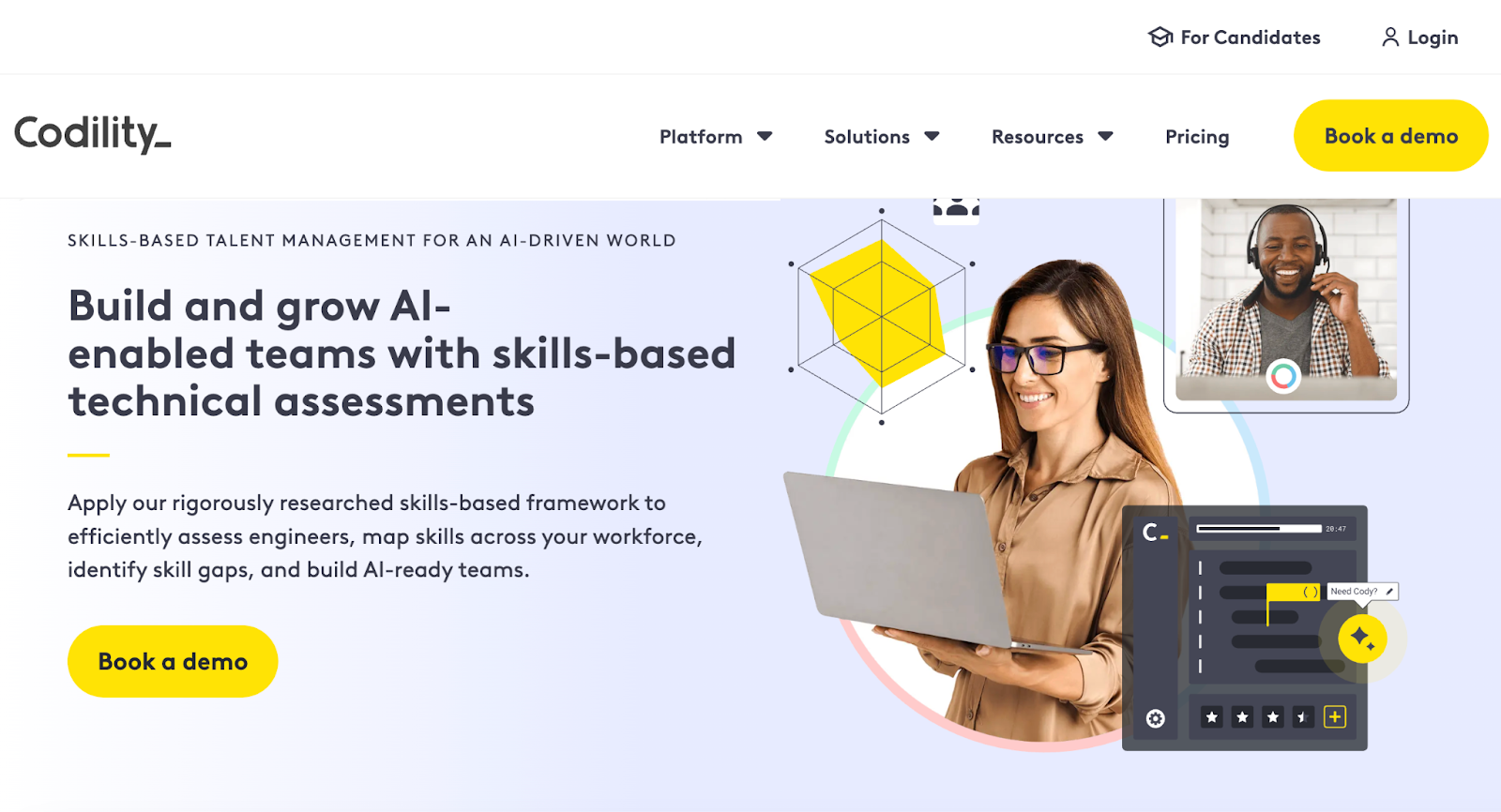
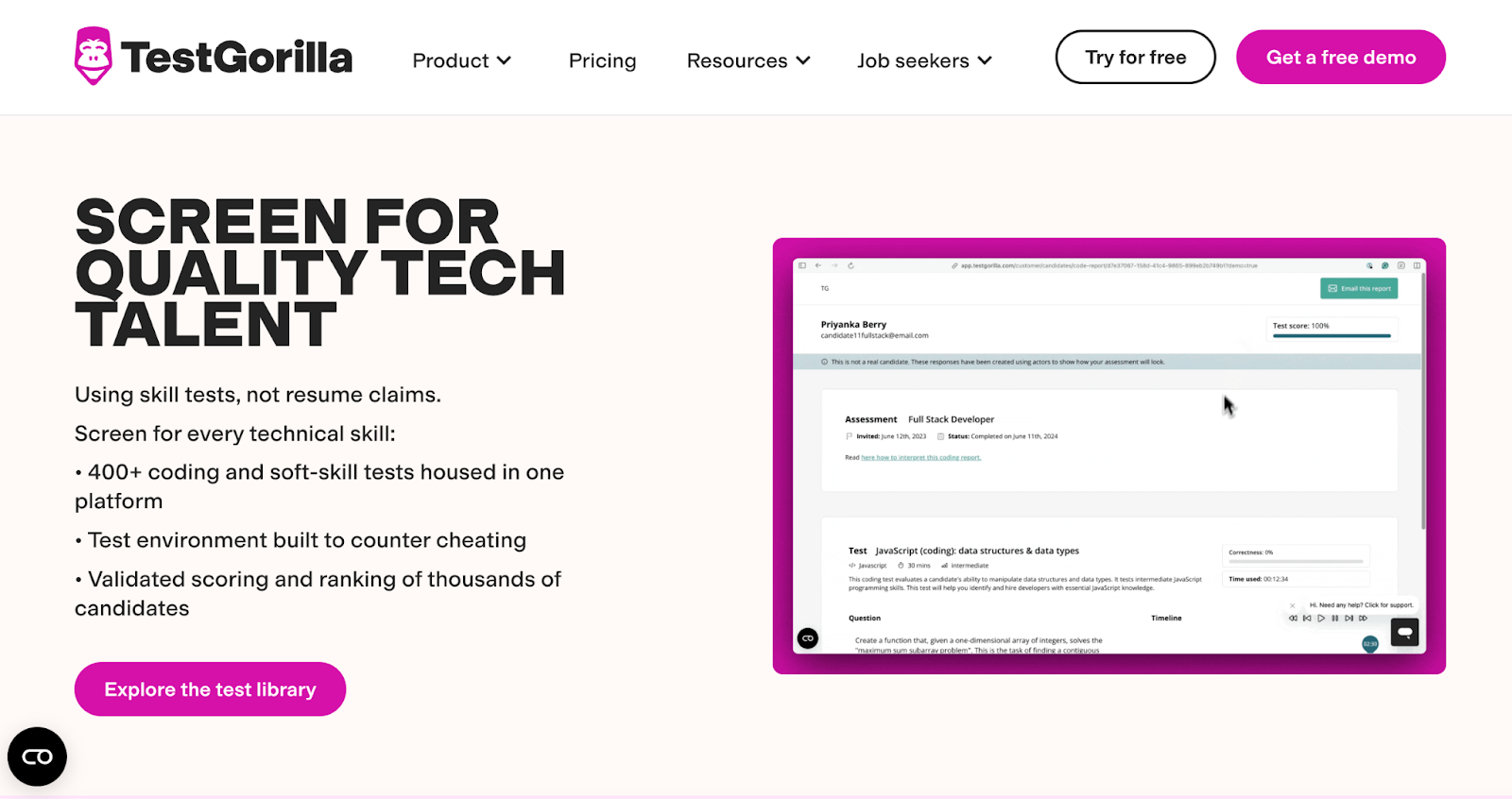
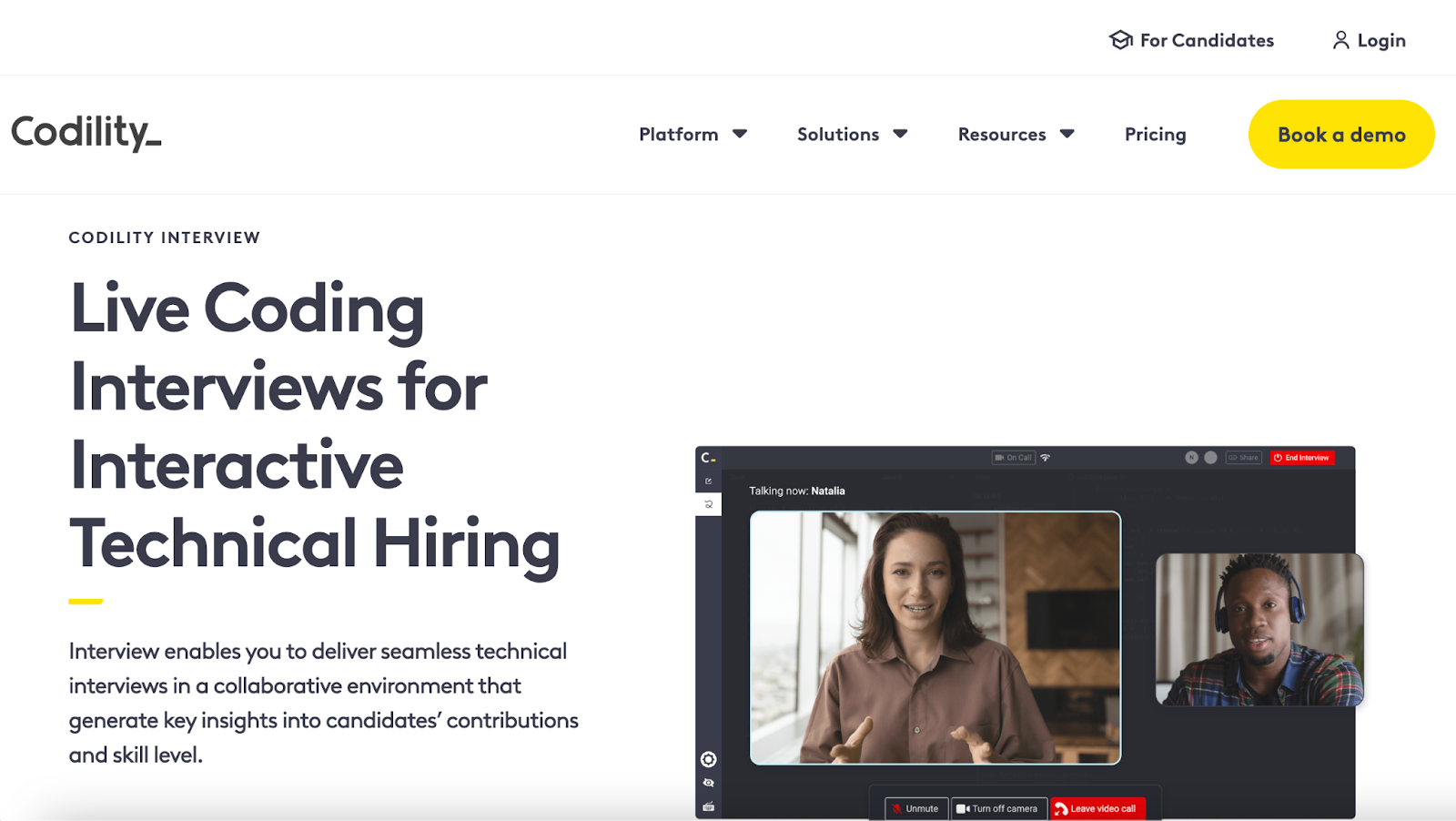
Codility focuses on automated code evaluation, particularly for campus and high-volume early-career hiring. Codility's task library includes real-world simulations, and its proctoring features are reliable. For teams running dependable volume screening at the top of the funnel, it does the job.
Best for: High-volume early-career or campus hiring programs that need reliable automated screening.
Pricing: Custom. Verdict: Dependable for volume screening, particularly in campus pipelines.
3. Greenhouse — best for structured hiring workflows
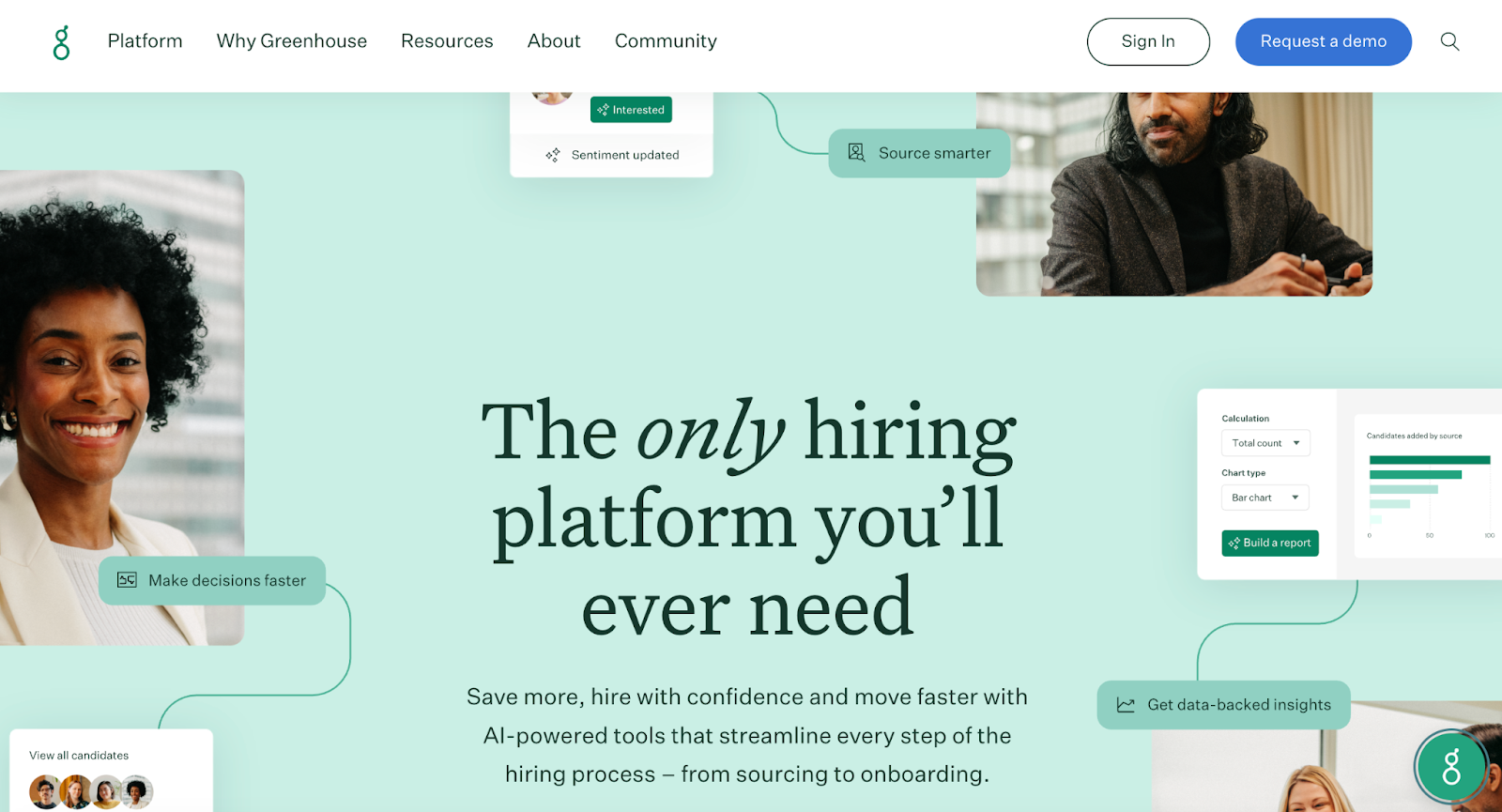
Greenhouse is a structured hiring workflow ATS widely adopted across mid-to-enterprise companies. Its structured interviewing framework, configurable hiring stages, and broad integration marketplace make it a reliable backbone for pipeline management. For technical hiring specifically, most Greenhouse customers add a dedicated assessment platform alongside it.
Best for: Companies wanting a structured, well-documented hiring workflow they can layer specialist tools onto.
Pricing: Custom. Verdict: Excellent ATS, particularly strong on interview structure and reporting.
4. HackerEarth — best for end-to-end technical hiring
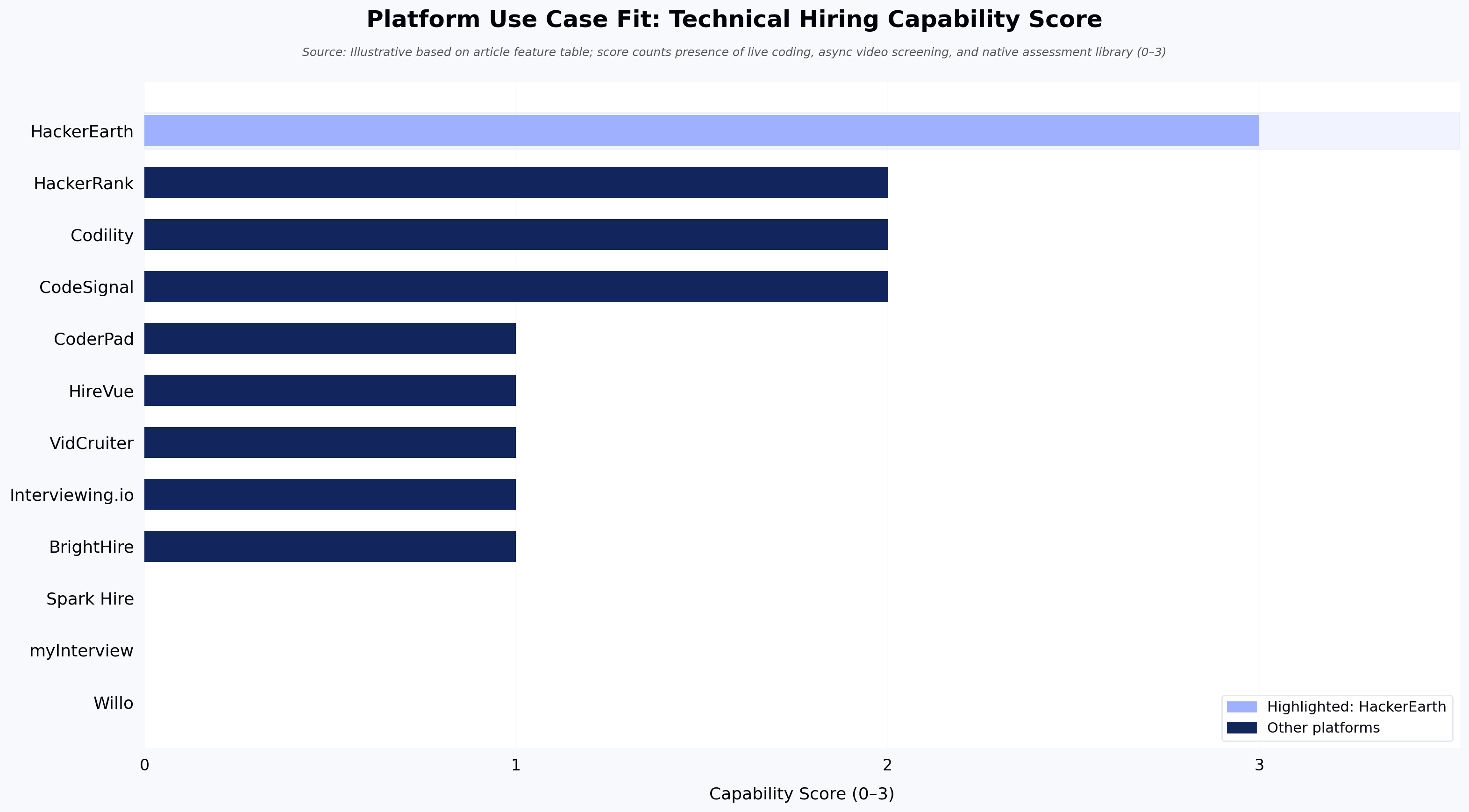
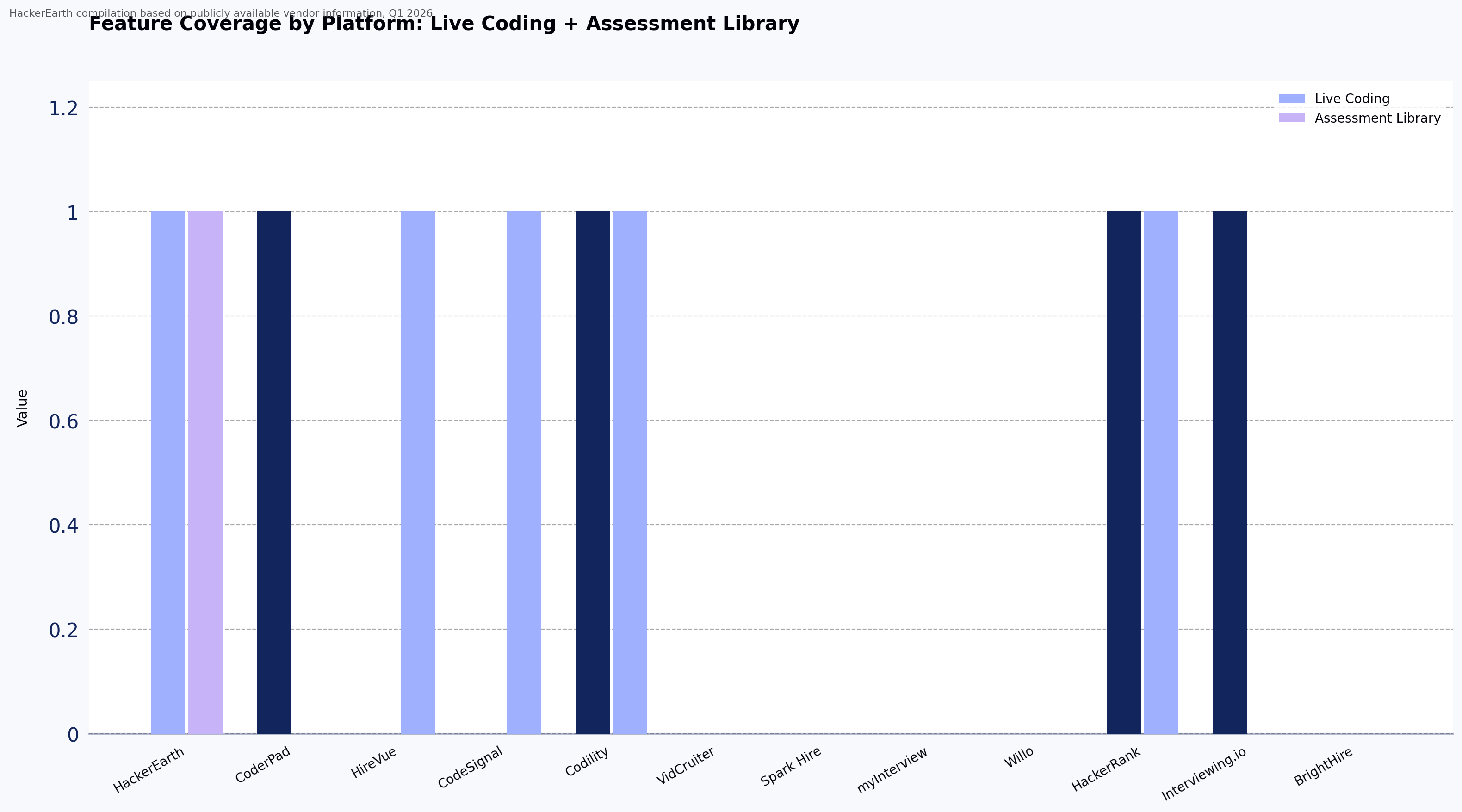
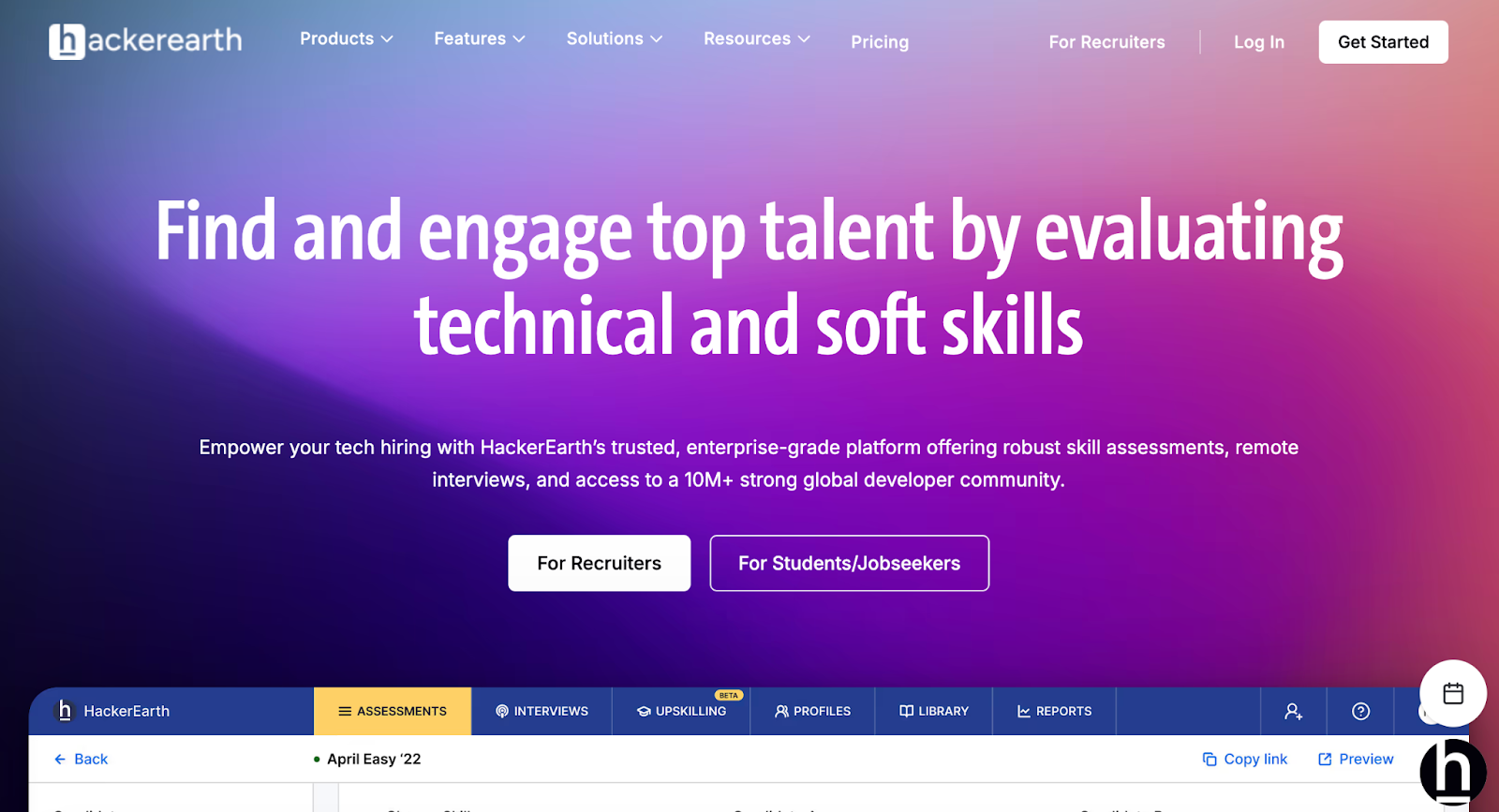
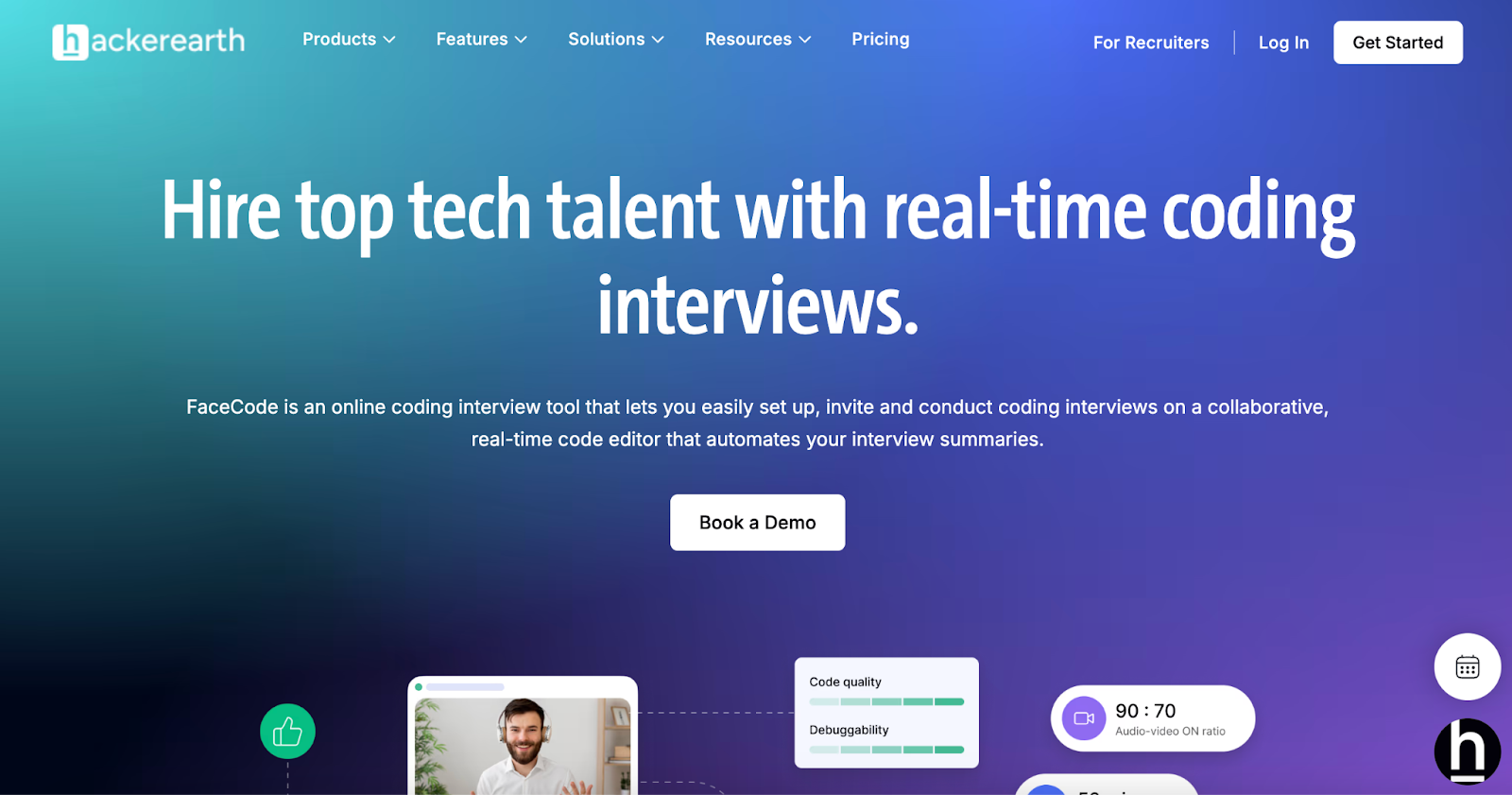
HackerEarth consolidates technical hiring workflows into a single platform: assessments, live coding interviews via FaceCode, proctored remote interviews through OnScreen, skills intelligence through SkillsGraph, and developer sourcing through Hiring Challenges and hackathons. Most technical hiring teams otherwise run three or four separate tools to cover sourcing, screening, and interviewing.
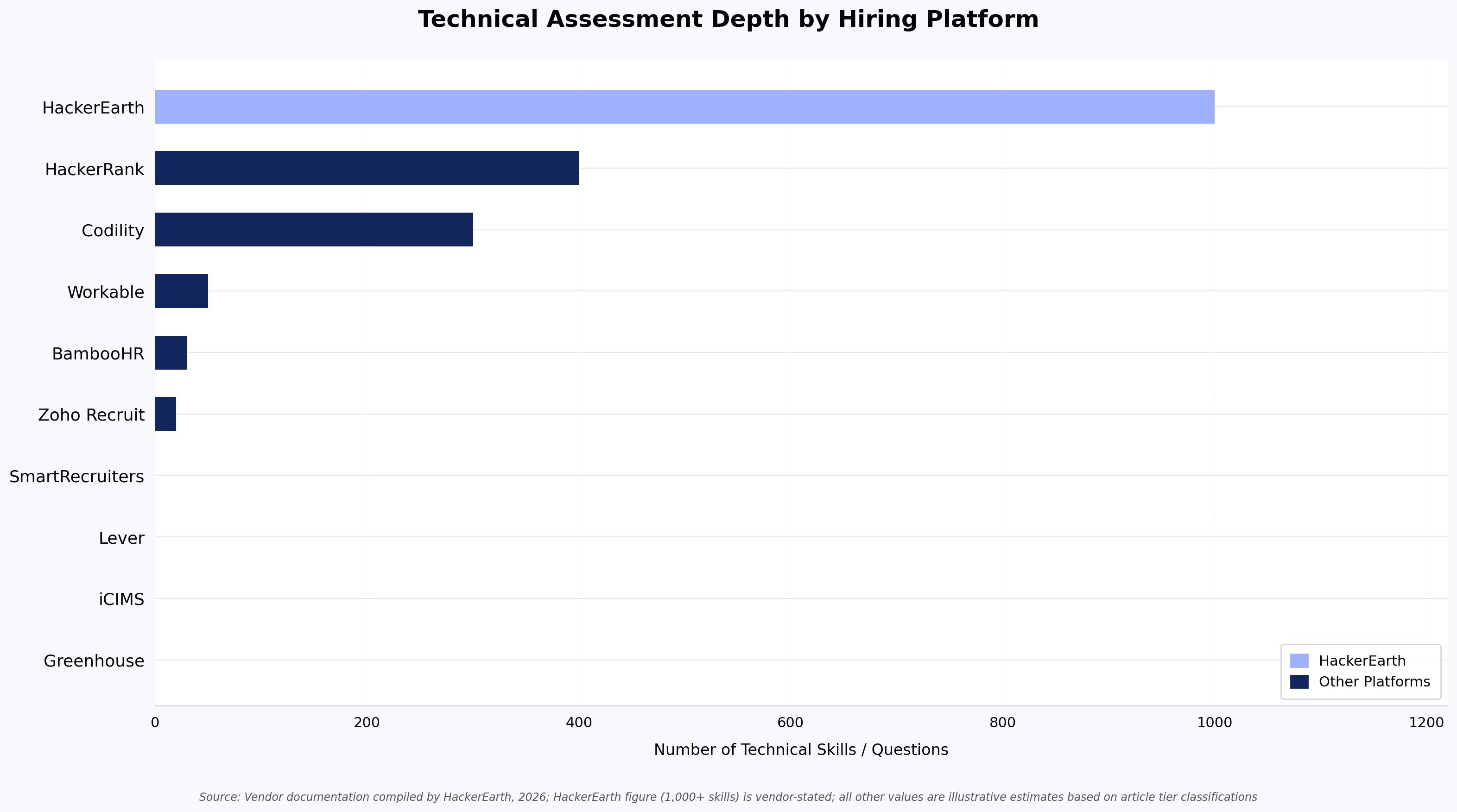
The Assessments platform covers 1,000+ skills across 40+ programming languages, with tests configurable by role, seniority, and language. Automated evaluation scores code quality, efficiency, and approach rather than only whether code compiles. FaceCode supports multi-interviewer panel and single-interviewer formats with a collaborative code editor and auto-evaluation, HD video, and a diagram board for system design. OnScreen, launched in April 2026, combines in-depth interviewing, proctoring, and KYC verification in one product.
For sourcing, HackerEarth Hiring Challenges connect with a developer community of 10M+, providing a channel that complements traditional job-board inbound flow. HackerEarth Hackathons serve a related but distinct purpose around developer engagement and innovation programs.
Where it fits less well: HackerEarth is built for organizations hiring developers at meaningful volume. For SMBs hiring one or two engineers a year, or teams whose pipeline is dominated by non-technical roles, a generalist ATS will likely be a better primary system. HackerEarth is also not a full HRIS — onboarding, payroll, and employee management belong elsewhere in the stack.
Best for: Engineering teams hiring developers at scale who want assessments, live interviews, and sourcing connected in one platform.
Pricing: Custom pricing — contact sales for current rates.
5. HackerRank — best for coding assessments at scale
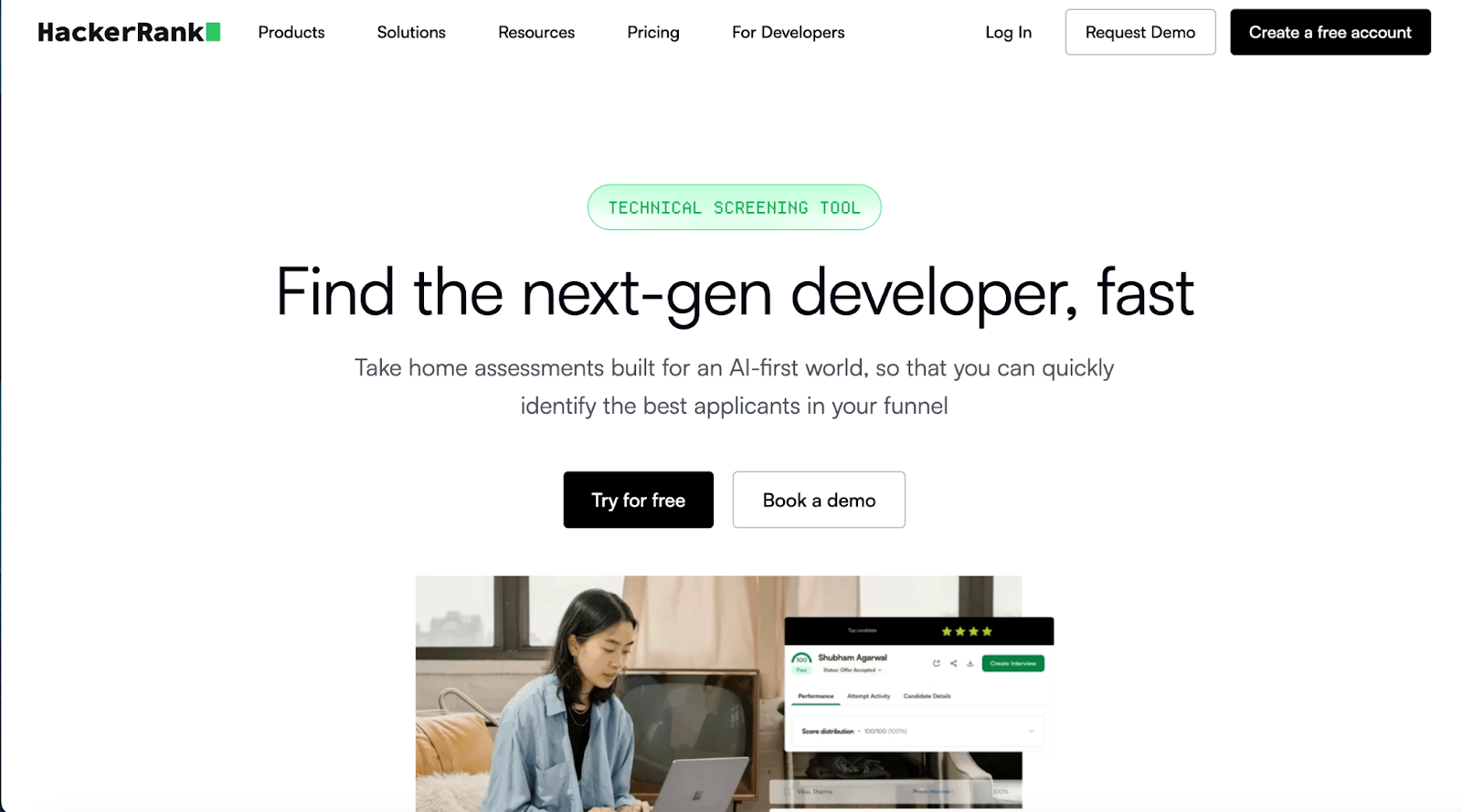
HackerRank is a coding assessment platform with strong developer brand recognition, a large challenge library, and a live interview product in CodePair. HackerRank is a credible choice for teams whose primary need is high-volume coding assessment and whose recruiters are comfortable with its workflow. The contestable point worth naming: HackerRank's developer brand recognition is both its ceiling and its floor — it is widely known among candidates, but its platform breadth outside of code assessment is narrower than full-stack technical hiring suites.
Best for: Teams that want a widely recognized coding assessment platform and value developer familiarity with the tool.
Pricing: Custom. Verdict: A direct peer in the technical assessment category with strong brand recognition among developers.
6. iCIMS — best for high-volume enterprise hiring
iCIMS is a well-established enterprise talent cloud covering the full hiring lifecycle at very high volumes. iCIMS' career site builder is particularly strong for employer branding at scale, and its onboarding tooling is more developed than most ATS platforms.
Best for: Large enterprises running high-volume hiring programs across multiple functions who need a centralized talent cloud.
Pricing: Custom enterprise. Verdict: A reliable enterprise workhorse, particularly strong on career site and onboarding.
7. Lever (LeverTRM) — best for combined recruiting CRM and ATS
Lever blends applicant tracking with candidate relationship management, which makes it useful for teams that want to build and nurture talent pipelines over time rather than only process active applicants. Lever's diversity analytics and candidate nurture features are well executed, and it is a strong pick for organizations where passive sourcing matters as much as inbound application flow.
Best for: Recruiting teams focused on building long-term talent pipelines alongside active hiring workflows.
Pricing: Custom. Verdict: Strong CRM-ATS hybrid, particularly for relationship-driven recruiting.
8. SmartRecruiters — best for enterprise talent acquisition
SmartRecruiters is built for hiring complexity at enterprise scale across multiple regions. SmartRecruiters' marketplace model gives large organizations access to a wide ecosystem of third-party integrations, and its global compliance features are well developed. A solid choice for centralized hiring governance across global teams.
Best for: Large global organizations needing centralized hiring governance across multiple regions and functions.
Pricing: Custom enterprise. Verdict: Strong at enterprise scale, particularly for multi-region compliance.
9. Workable — best for SMB all-in-one hiring
Workable is an all-in-one platform for smaller teams without complex technical hiring needs. It covers job posting, AI-assisted candidate sourcing, basic assessments, and interview scheduling in one place at a price point smaller companies can afford. Workable publishes its pricing tiers publicly; check the vendor's site for current rates as plans change frequently.
Best for: Small to mid-sized teams with mixed hiring needs and low technical hiring volume.
Pricing: Tiered subscription; check workable.com for current rates. Verdict: Good value for SMBs running generalist hiring.
10. Zoho Recruit — best budget-friendly employee hiring tool
Zoho Recruit is the most affordable option on this list and delivers a solid feature set for the price. It covers ATS basics, job board posting, resume parsing, and candidate management with good customization. Zoho publishes per-user pricing on its site, with tiers starting at entry-level rates suited to small teams — check the vendor page for current figures.
Best for: Startups and small teams that need an affordable, customizable recruitment tool for mixed hiring needs.
Pricing: Free plan available; paid tiers per user per month — see zoho.com/recruit for current rates. Verdict: Strong value for budget-conscious teams running generalist hiring.
Employee hiring tools comparison table
| Platform | Best for | Technical assessment depth | Native ATS integrations¹ | Pricing |
|---|---|---|---|---|
| BambooHR | Hiring + onboarding combined | Basic | Moderate (10–20) | Custom |
| Codility | Automated code evaluation | High | Moderate (10–20) | Custom |
| Greenhouse | Structured hiring workflows | Low (requires add-on) | Very broad (400+) | Custom |
| HackerEarth | End-to-end technical hiring | High (1,000+ skills, live coding, proctoring) | Broad (20+) | Custom |
| HackerRank | Coding assessments at scale | High | Moderate (10–20) | Custom |
| iCIMS | High-volume enterprise hiring | Low (requires add-on) | Very broad (300+) | Custom enterprise |
| Lever | CRM + ATS hybrid | Low (requires add-on) | Broad (100+) | Custom |
| SmartRecruiters | Enterprise talent acquisition | Low (requires add-on) | Very broad (600+) | Custom enterprise |
| Workable | SMB all-in-one hiring | Basic | Moderate (10–20) | Tiered |
| Zoho Recruit | Budget-friendly recruitment | Basic | Moderate (10–20) | Free + tiered |
¹ Integration breadth is based on publicly listed native integrations on each vendor's marketplace or integrations page at time of compilation. Approximate ranges shown.
Source: Vendor documentation and publicly available information, compiled by HackerEarth, 2026.
For teams prioritizing technical skill validation, HackerEarth and HackerRank are common shortlists. Choosing among top employee hiring tools comes down to whether your stack can attract developers as well as evaluate them — and that is where sourcing channels integrated into the same platform matter.
How to choose the right employee hiring tool for your tech team
Map your hiring workflow first
Before looking at any vendor, write down your actual process from the moment a role opens to the moment an offer is accepted. Where does time get wasted? Where do candidates drop off? Where are your engineers pulled into the process when they should not be? The answers tell you which part of the stack to fix first and which features matter most. For a structured approach, see HackerEarth's guide to structured technical interviewing.
Prioritize integration over feature bloat
A platform with 50 features that does not connect to your ATS will create more problems than it solves. Every disconnected system is a place where data gets lost and hiring decisions get made without the full picture. Confirm integrations with your existing tools before anything else.
Evaluate based on role complexity
A recruiting tool built for general hiring is not the same as one built for technical roles. If your team is hiring engineers or data scientists, technical assessment depth matters more than almost any other feature. Among top employee hiring tools, the ones that fail engineering teams most often are those with polished sourcing demos and shallow evaluation layers — do not let that distract you from the question that actually matters: can this platform tell you whether a candidate can do the job?
Calculate total cost of ownership
The monthly fee is rarely the real cost. Factor in implementation time, team onboarding, integration costs, and ongoing admin burden. Engineering hours spent interviewing unqualified candidates are the largest hidden cost in most hiring stacks — and the variable that a strong assessment layer most directly affects. The exact magnitude depends on your interview loop length and engineer fully-loaded cost; model it for your own team before evaluating platforms on price alone.
Frequently asked questions
What is the best hiring tool for software engineers? The honest answer: there isn't a single best tool — there is a best combination. The pattern that holds up across most engineering hiring teams is one specialist assessment platform plus one structured ATS, integrated tightly. Single-vendor "all-in-one" tools that claim to do both tend to underdeliver on the assessment side, which is the side that matters most for engineering hires.
How do technical assessment platforms reduce time-to-hire? They filter out candidates who cannot do the work before engineers spend interview time on them, which removes the slowest step in most technical hiring pipelines. Automated scoring, structured rubrics, and clear pass thresholds replace ad-hoc resume review and unstructured early-stage screens.
What should an ATS integrate with for developer hiring? At minimum, a technical assessment platform, a live coding interview tool, a calendar and scheduling system, and a sourcing or CRM layer. For larger organizations, integration with an HRIS or onboarding system is also worth confirming before committing.
Are AI-assisted hiring tools compliant with hiring regulations? Most enterprise-grade platforms publish documentation on GDPR alignment, EEOC considerations, and bias audit practices. Specific compliance with newer regulations covering automated employment decision tools (such as NYC Local Law 144) varies by vendor — request current documentation during evaluation.
What is the difference between an ATS and a technical assessment platform? An ATS manages the candidate pipeline, application data, and workflow stages. A technical assessment platform evaluates whether a candidate has the technical skills the role requires. The two are complementary, not interchangeable, and most engineering hiring teams use both.
How should small teams choose between all-in-one and specialized hiring tools? For teams hiring fewer than 20 people a year with limited technical roles, an all-in-one tool (Workable, BambooHR, Zoho Recruit) usually delivers better ROI. For teams hiring developers at scale, specialized assessment and interview tools are worth the additional integration effort.
Conclusion
For technical hiring specifically, the differentiator is whether your stack can verify skills before engineers spend time on interviews. Structured, skills-based assessment paired with a structured ATS is the pattern that most consistently shortens time-to-hire while protecting candidate quality. When shortlisting top employee hiring tools, apply that test first — and treat sourcing breadth, candidate experience, and analytics as the next-tier filters once the assessment foundation is in place.
Next steps
Schedule a demo of HackerEarth Assessments to see how skills-based screening fits into your hiring workflow.