```markdown By the HackerEarth Editorial Team | Last reviewed: February 2026
An online coding interview platform is a web-based tool that lets hiring teams run live or asynchronous technical interviews — combining a shared code editor, execution environment, video conferencing, and structured scoring in a single workflow. In 2026, hiring teams evaluating top online coding interview platforms need tools that measure real engineering judgment — not just whether a candidate can pass a syntax puzzle. The right platform shortens time-to-hire, standardizes evaluation across interviewers, and produces defensible signal on collaboration, problem-solving, and code quality.
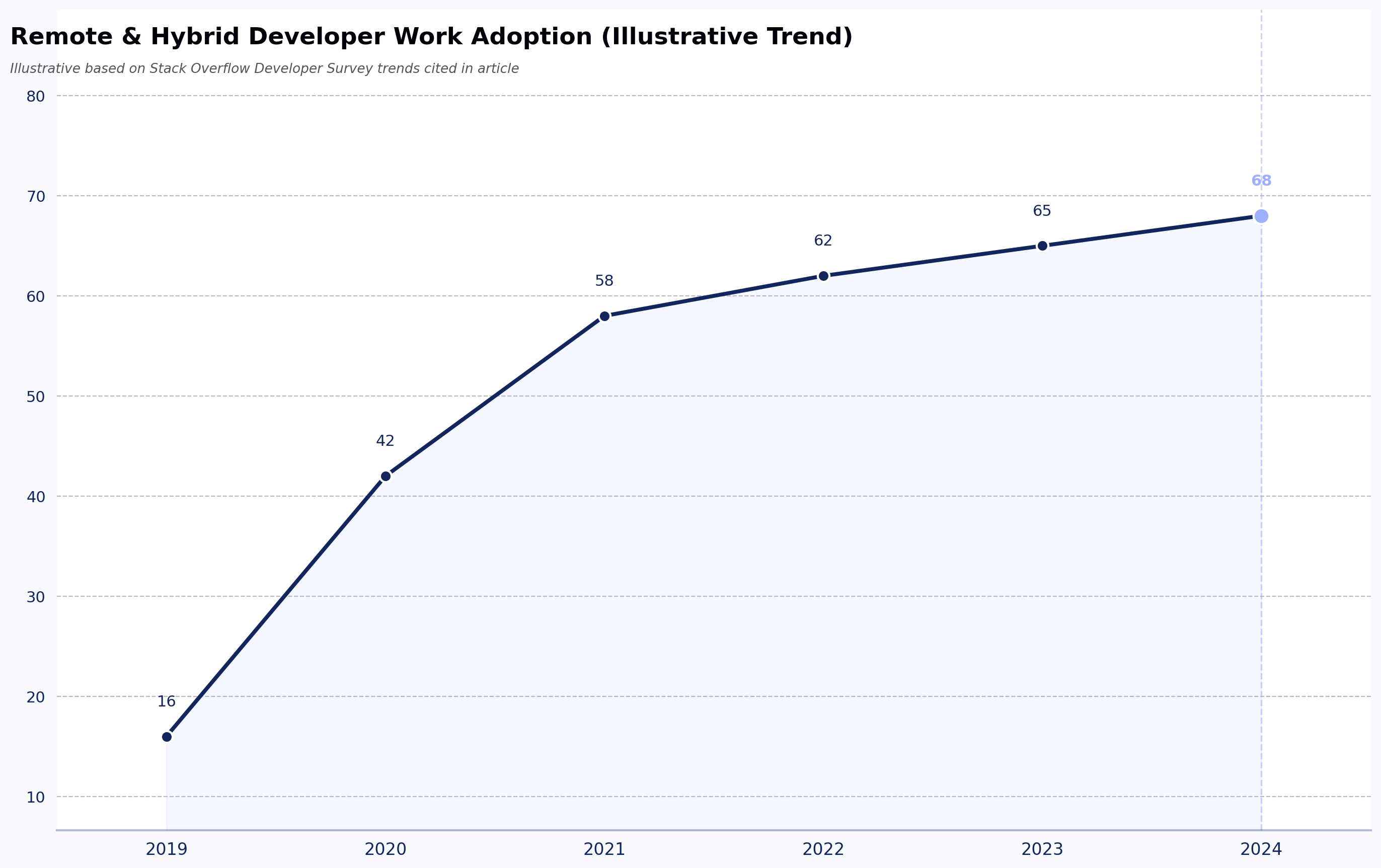
Remote and distributed engineering hiring has reshaped the interview stack: according to Stack Overflow's Developer Survey, a large share of professional developers now work fully remote or hybrid, which has pushed hiring teams toward standardized digital assessment workflows. Technical candidates are expected to think clearly, write clean solutions, and perform under pressure — often across time zones. Online platforms have stepped up to meet that need, giving recruiters and engineering managers real coding problems to assign, timed environments that mimic live interviews, structured screening flows, pair programming environments, and asynchronous coding assessment options that replace legacy whiteboard interviews.
Industry surveys from sources such as LinkedIn's Future of Recruiting and SHRM point to the growing role of structured, tech-enabled technical screening in remote hiring workflows, though vendors and analyst reports vary on adoption specifics. That shift has made the platform choice a material hiring-operations decision, not a nice-to-have.
Here's the editorial POV we'll defend throughout this piece: most top online coding interview platforms optimize for interviewer comfort, not candidate signal. They ship features that make it easy to schedule, launch, and record an interview — but relatively few enforce the rubric discipline needed to compare candidates fairly across interviewers. When you're choosing between top online coding interview platforms, weigh scoring consistency at least as heavily as UI polish.
In this article, we break down the top 7 online coding interview platforms for recruiters, technical hiring managers, and engineering leaders — with an honest read on which tool fits which hiring scenario, and where each one falls short.
The 7 best online coding interview tools: a side-by-side comparison
The table below summarizes the seven top online coding interview platforms we evaluated, mapping each tool to its strongest use case, differentiated features, and known limitations so recruiters can shortlist candidates for a fuller evaluation. It's designed for quick scanning: identify two or three platforms that fit your hiring scenario, then read the in-depth sections that follow.
Editorial disclosure: HackerEarth publishes this article and FaceCode is HackerEarth's live coding interview product. We've made a good-faith effort to describe competitor products fairly using publicly available information and G2 reviews as of February 2026. G2 ratings are time-sensitive and should be verified on G2.com before publication or purchase. Pricing and features change; verify with each vendor directly.
| Tool Name | Best for (Use Case) | Key Features | Pros | Cons | G2 Rating (as of Feb 2026, verify before use) |
|---|---|---|---|---|---|
| HackerEarth FaceCode | Best overall online coding interview platform | Live panel interviews, code editor with auto-evaluation, rubric-based scoring, access to HackerEarth's question library, smart browser proctoring, enterprise integrations | Structured panel interviews; rubric-based scoring; strong proctoring; ATS integrations | Limited deep UI customization; no self-serve free tier | 4.5 |
| CoderPad | Best for real-time collaborative coding | Private interviewer notes, multi-language support, closed captioning, waiting room, ATS integrations | Intuitive real-time collaboration; low-friction candidate experience; multi-language support | Basic UI; limited advanced editor/debug features; focused primarily on live interviews | 4.4 |
| Codility | Best for enterprise technical assessments | AI collaboration assessment, collaboration tools, standardized process | Live coding + pair programming + whiteboard; AI integration; accessible candidate experience | SQL tasks can be awkward; some contexts need manual setup; fewer custom task options | 4.6 |
| HireHunch (HunchVue) | Best for AI-assisted screening | Multi-language support, interview playback, proctoring alerts, unified dashboard | Playback and review; proctoring alerts; customizable templates | Free plan time caps; learning curve for setups; potential additional costs | 4.6 |
| PlayCode | Best lightweight browser coding tool | Instant link interviews, multi-file projects, real-time collaboration, AI assistant | No signup needed; AI help & bug detection; fast browser preview | Free tier limits can frustrate; limited advanced IDE features | Not yet rated on G2 (included for its differentiated fit for JavaScript/frontend screens at startup budgets — see section 5) |
| Mercer Mettl | Best for campus & large-scale hiring | Pair programming, role-based assessments, digital ideation, code analysis | Scales for campus/enterprise hiring; project-based evaluations; auto-graded simulators | Higher pricing for smaller teams; some advanced tools require training; limited deep reports | 4.4 |
| iMocha | Best for skill intelligence | Skills library access, insights & benchmarking, AI-SkillsMatch, Tara AI interviews, secure proctoring | AI-driven insights & scoring; proctored assessments; adaptive AI interviews | Learning curve; test setup can be unintuitive; advanced reporting can need extra configuration | 4.4 |

How we evaluated these online coding interview platforms
Most top online coding interview platforms promise faster hiring and a better signal. Very few prove it under real technical scrutiny.
To separate marketing claims from measurable value, we evaluated each of the top online coding interview platforms against the standards modern engineering teams actually require today.
- Live coding collaboration quality: We assessed how well each platform supports real-time collaboration between the interviewer and the candidate. We looked for smooth code sharing, low-latency performance, and features such as cursor visibility, code playback, and collaborative debugging that reflect real development workflows.
- Multi-language support: Engineering teams rarely hire for just one language. It's not practical for them to run separate platforms for Python, Java, JavaScript, Go, or Rust. If teams switch tools, it fragments workflows, increases cost, and creates inconsistent candidate experiences. Strong platforms provide reliable execution environments across both popular and niche languages.
- IDE and environment realism: We examined how closely each built-in IDE replicates production setups, including debugging tools, terminal access, dependency management, and configuration flexibility. The closer the environment is to real-world engineering conditions, the stronger the hiring signal.
- Question bank depth: Technology evolves quickly, and interview questions must evolve with it. Widely circulated questions lose effectiveness once candidates memorize answers from forums or online practice sites. High-performing platforms provide role-specific libraries across frontend, backend, data, DevOps, and system design — including asynchronous take-home challenges and technical screening exercises.
- Structured evaluation rubrics: Consistency reduces bias. Platforms that enforce standardized scoring frameworks make it easier for hiring teams to compare candidates objectively. Clear rubrics also improve interviewer alignment and support more defensible hiring decisions. HackerEarth's structured interview scoring applies the same rubric across every interviewer, so scoring doesn't drift with mood or fatigue.
- Anti-cheating and integrity safeguards: A coding interview platform is only as useful as its ability to detect cheating. We evaluated plagiarism detection, proctoring features, browser monitoring, copy-paste controls, and suspicious behavior tracking.
- Enterprise integrations: Modern hiring teams operate within complex recruitment ecosystems. We reviewed ATS compatibility, single sign-on support, API flexibility, and workflow automation.
- Reporting and analytics: We examined score breakdowns, performance benchmarking, and interviewer insights. In-depth analytics support faster and more confident hiring decisions, and feed into broader skills intelligence programs.
- Candidate experience: Every interview reflects your employer brand. Interface clarity, platform stability, accessibility, and overall usability all shape how candidates perceive your company. A frictionless experience increases completion rates.
- Pricing transparency: We reviewed pricing clarity, scalability across team sizes, and the risk of hidden costs. Transparent pricing supports predictable hiring budgets.
The 7 best online coding interview tools: an in-depth comparison
After testing and comparing a wide range of platforms, we selected the 7 best online coding interview tools that combine real-world coding environments, collaboration features, and hiring-team workflow support. The sections below unpack each of these top online coding interview platforms in detail.
1. HackerEarth FaceCode: best overall online coding interview platform
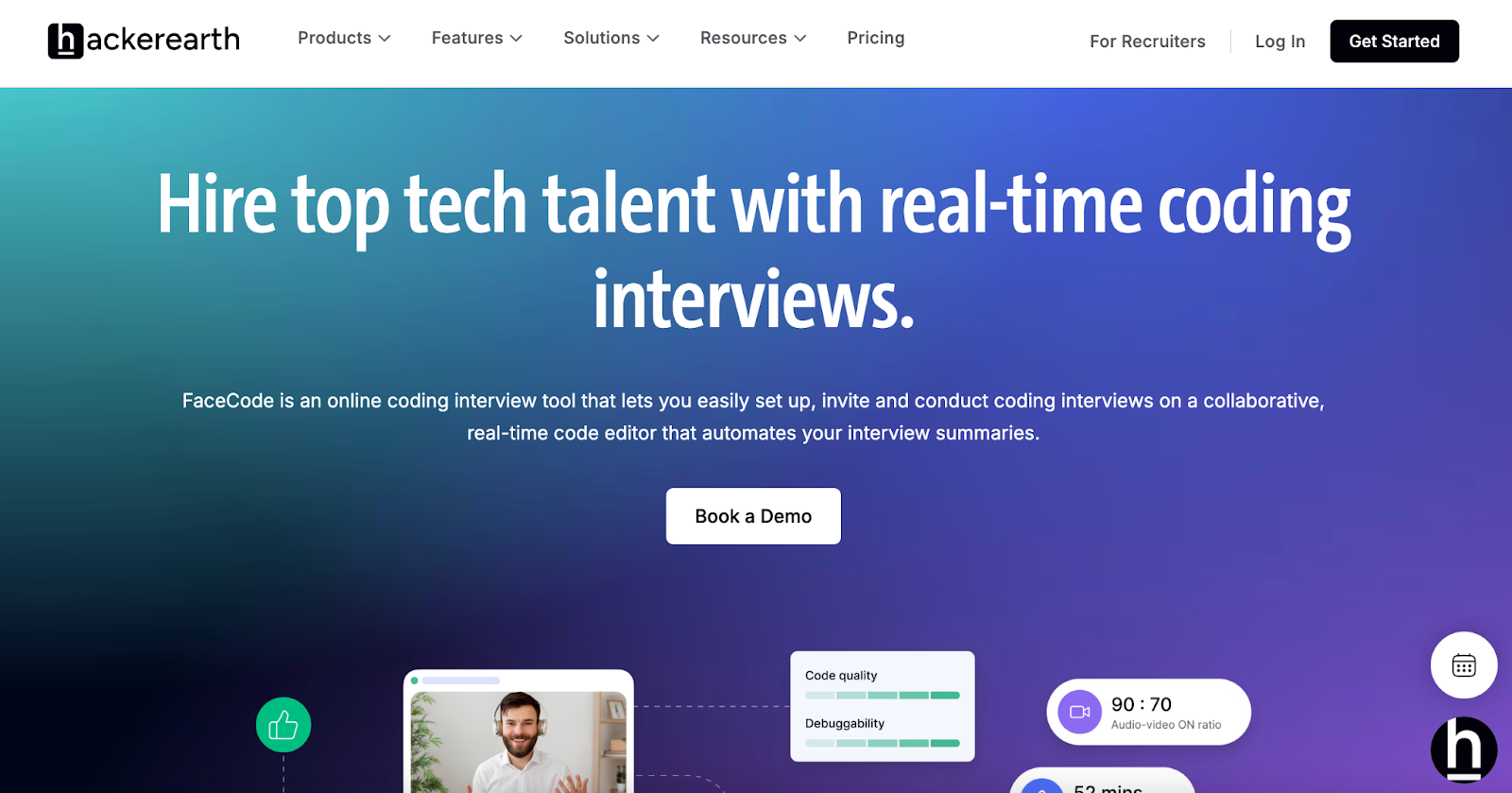
Make faster hiring decisions with FaceCode
HackerEarth FaceCode is an interviewer-led live coding interview product built for hiring teams that need to evaluate candidates' coding, problem-solving, and communication skills in real time — moving beyond static tests or resume filters. FaceCode provides a collaborative code editor with auto-evaluation, video-enabled panel interviews, interactive diagram boards for system design, and direct access to HackerEarth's question library during interviews. Teams can conduct live panel interviews with multiple interviewers in a single session and apply a consistent rubric across every candidate.
FaceCode uses rubric-based scoring to keep evaluation consistent across interviewers, and it stores full interview recordings and transcripts for later review. (Note: HackerEarth also offers a separate AI interview product, OnScreen, which handles autonomous AI-led interview conversations. OnScreen and FaceCode are distinct products — FaceCode is designed for human interviewer-led sessions.)
FaceCode supports enterprise integrations with major ATS platforms and is built for reliability at scale for both small and large hiring teams. (Specific ATS partners and security certifications: contact HackerEarth for the current list.)
Smart Browser Proctoring monitors activity, flags unauthorized browser behavior, and tracks audio, tabs, and IP location during interviews to help detect off-platform assistance.
What FaceCode does best: Structured, panel-based live coding interviews with rubric-driven scoring for teams that already run high volume and need consistency across interviewers.
Where it's not the right fit: Small teams running fewer than a handful of interviews per month, or teams that want a stripped-down free tier.
Pros
- End-to-end support for collaborative panel interviews
- Rubric-based scoring improves interviewer alignment
- Anti-cheat and proctoring features for remote sessions
- Direct access to HackerEarth's question library during interviews
- Enterprise-grade integrations
Cons
- Limited options for deep UI customization of the interview environment (interviewers cannot restyle the editor layout or add custom widgets mid-session)
- No self-serve free tier — smaller teams running fewer than 10 interviews per month will find the pricing model heavier than lightweight alternatives
Pricing: Standalone pricing not publicly listed as of February 2026. Contact HackerEarth for a quote based on team size and interview volume.
2. CoderPad: best for real-time collaborative coding
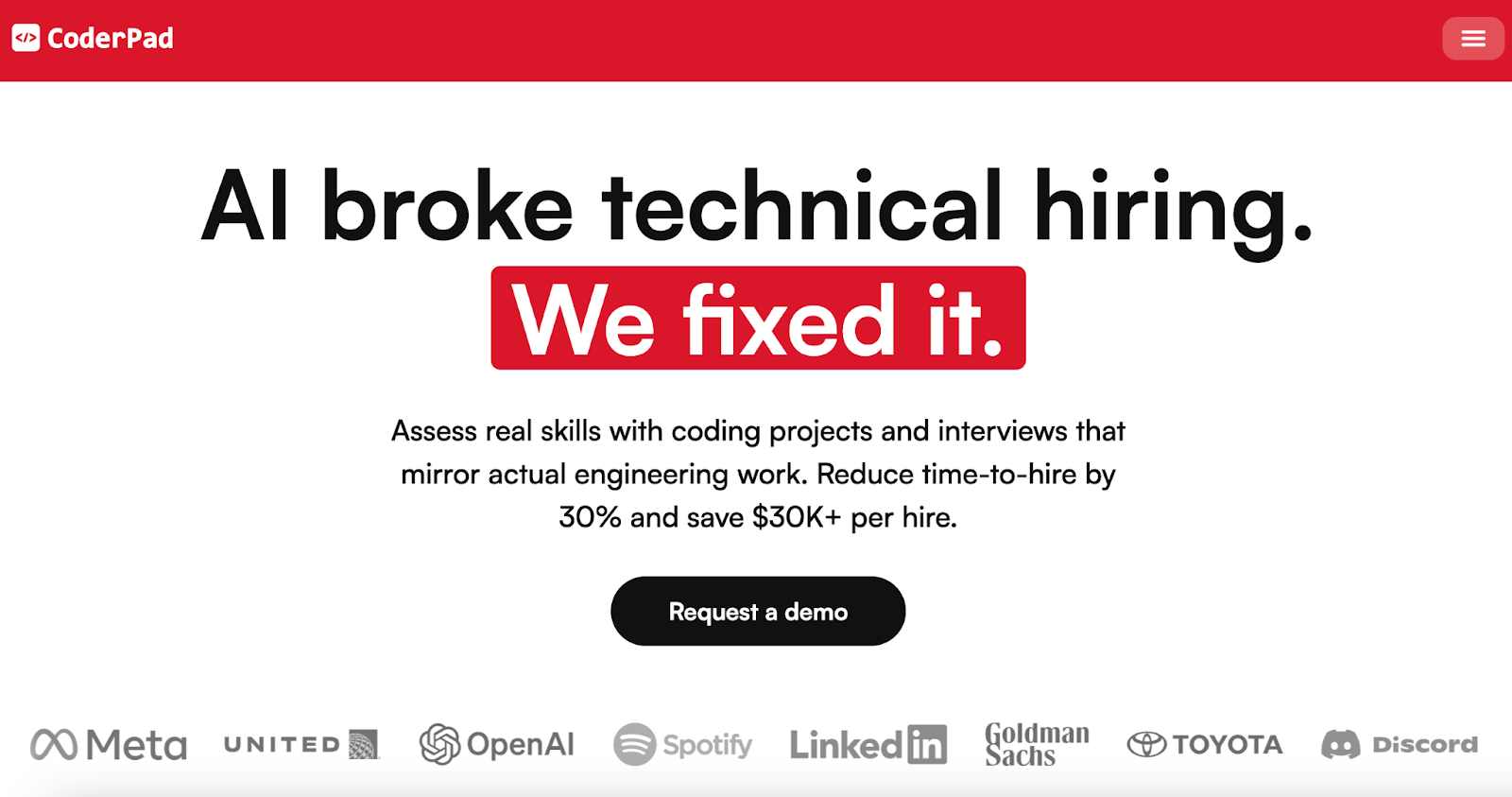
Hire developers with CoderPad's live coding interview platform
CoderPad is a live coding interview product focused on low-friction, real-time collaboration. Candidates join with just a link — no setup required — which reduces drop-off during remote interviews.
The platform supports embedded audio and video calling with closed captioning to improve communication. Interviewers can customize their experience with a waiting room, code autocompletion, and preferred key bindings, such as Emacs or Vim. It records coding sessions, creating transcripts and playback options for later review. It also integrates with ATS systems and scheduling tools and includes ready-to-use questions for interview preparation.
What CoderPad does best: Fast, low-setup live coding for teams that value candidate experience and multi-language coverage over deep customization.
Where it's not the right fit: Teams running long-form take-home challenges, or organizations that need integrated skills benchmarking against a candidate pool.
Key features
- Private interviewer notes: Take notes in markdown, share with colleagues, or keep private to support unbiased evaluations
- Multi-language support: According to CoderPad's documentation (verify current list before purchase), supported languages include C, C#, C++, Java, JavaScript, Kotlin, Python, Ruby, and Swift
- Closed captioning: Reduce language barriers and improve accessibility for all candidates
Who it's best for
- Distributed engineering teams that regularly run cross-timezone live interviews and prioritize link-based, no-install candidate experience over structured rubric enforcement
Pros
- Simple and focused interface for live coding sessions
- Real-time collaboration between interviewer and candidate
- Supports multiple languages and real coding environments
Cons
- Basic UI with limited advanced editor features — reviewers note the debugger lacks breakpoints and step-through for languages beyond the core set
- Focused on interviews only, not asynchronous coding assessments or take-home challenges
- Debugging tools can be limited — inspecting complex data structures mid-interview can require candidates to paste output into chat
Pricing
- Pricing not publicly listed — contact vendor for a quote
3. Codility: best for enterprise technical assessments
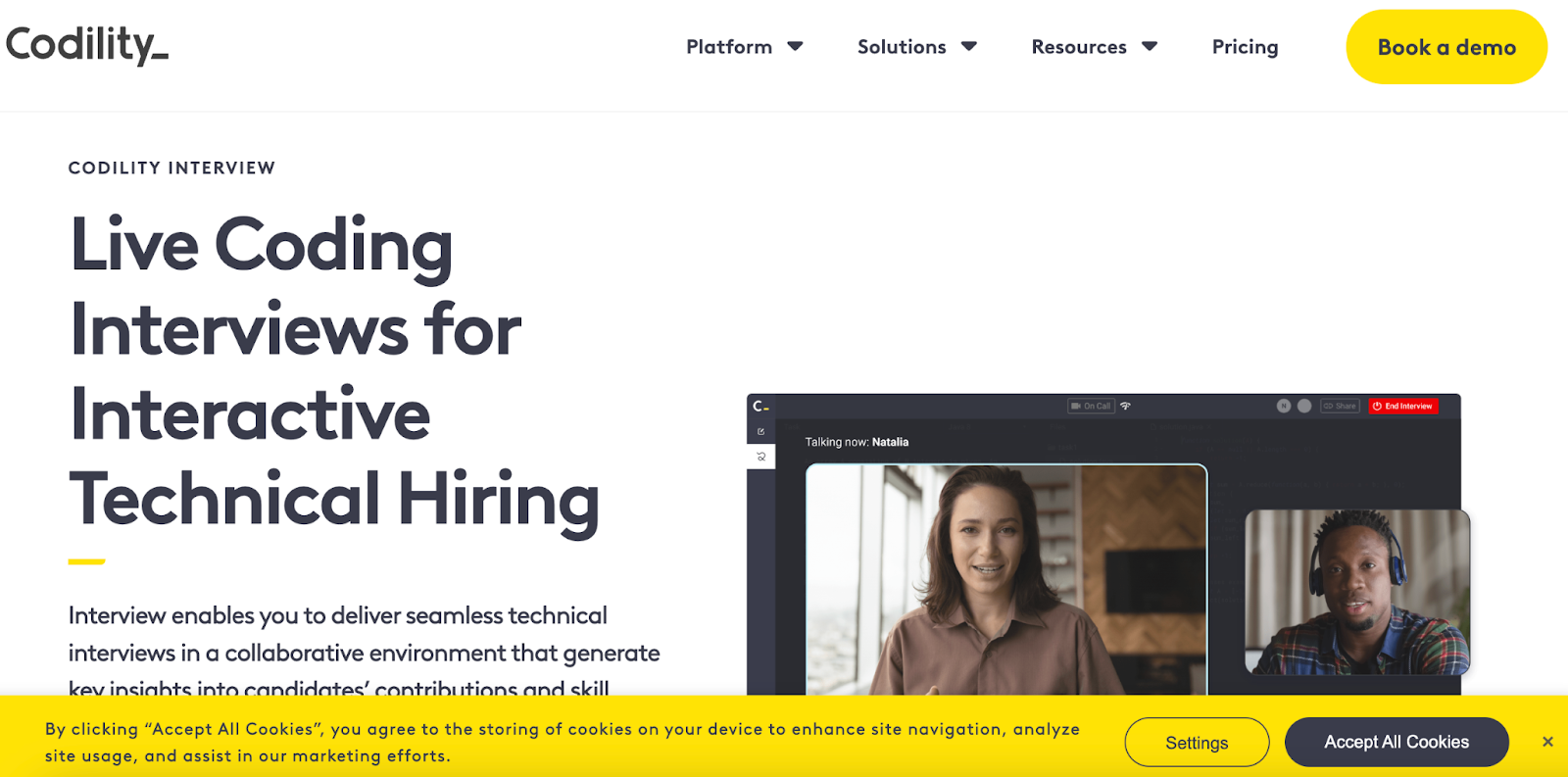
Assess a range of candidate skills with Codility Interview
Codility Interview combines video chat, an IDE, pair programming, and whiteboard functionality in a single environment. Interviewers can standardize workflows or allow free-flowing discussions, while candidates work through problems in an intuitive interface.
The platform aims to accelerate hiring by streamlining technical and system design interviews. Candidates get an interactive experience with instant feedback.
What Codility does best: Standardized, high-volume assessments for enterprise teams that need rubrics and process consistency across many interviewers and geographies.
Where it's not the right fit: Teams needing highly custom SQL or data-engineering tasks, or teams that want minimal interviewer setup overhead.
Key features
- AI collaboration assessment: Monitor how candidates work with generative AI tools (Codility markets an in-product AI assistant for this use case; verify current product name and capability at codility.com)
- Collaboration tools: Video chat, whiteboards, and pair programming for real-time interviewer discussions
- Standardized evaluation process: Assess all candidates using the same technical standards and rubrics
Who it's best for
- Enterprise engineering organizations with global hiring pipelines that need audit-ready, standardized technical assessments across dozens of interviewers
Pros
- Combines live coding, pair programming, and whiteboards
- Supports assessment of candidate collaboration with AI tools
- Accessible candidate experience
Cons
- SQL-related tasks can be challenging due to the lack of precomputed tables — interviewers running data-role assessments frequently must build sample datasets manually before each session
- Some candidates must initialize problem contexts manually, which slows down interview start
- Limited flexibility for deep customization — teams with niche stacks (Elixir, Clojure, embedded C) report the task library is thinner than the mainstream languages
Pricing
Pricing not publicly listed with specific price points as of February 2026 — verify at codility.com/pricing before purchase.
- Starter and Scale plan tiers are referenced on Codility's site; per-seat pricing is quote-based
- Custom: Contact for pricing
4. HireHunch: best for AI-assisted screening
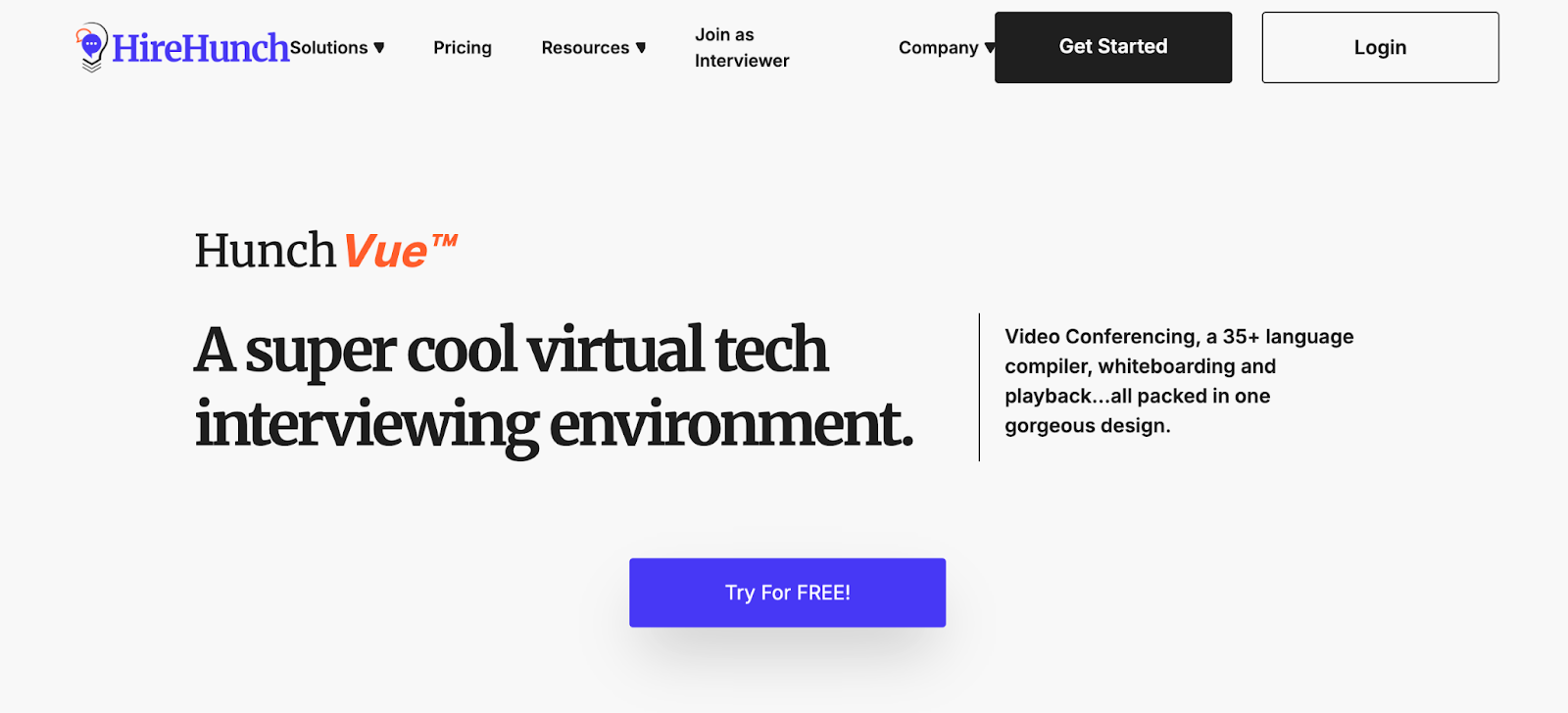
Conduct live coding interviews across multiple programming languages
HireHunch's HunchVue product gives interviewers an all-in-one dashboard focused on candidate evaluation. According to HireHunch's product page, the platform supports a broad range of programming languages, making it versatile for assessing developers across different tech stacks.
HunchVue records interviews and provides playback, so hiring teams can review sessions later. Proctoring alerts monitor for suspicious activity during the interview process.
What HireHunch does best: AI-assisted screening dashboards with playback for teams that need to review interviewer performance and candidate signal together.
Where it's not the right fit: Enterprise teams with strict integration requirements or organizations running very long interview sessions on the free plan.
Key features
- Multi-language support: Conduct interviews across a broad range of programming languages
- Interview playback: Replay coding and video sessions to review performance in detail
- Proctoring alerts: Detect suspicious activity during the assessment
Who it's best for
- Early- and growth-stage startups that need affordable AI-assisted screening with playback review, without a full enterprise ATS integration lift
Pros
- Interview playback for detailed review
- Proctoring alerts for secure assessments
- Customizable templates to match hiring needs
Cons
- Free plan session limits (verify current limits at HireHunch's pricing page) — may be insufficient for full technical rounds
- Customizable setup requires a learning curve to configure templates, rubrics, and proctoring rules
- High-volume usage can lead to additional costs beyond standard plans
Pricing
Pricing not publicly listed with specific price points as of February 2026 — contact vendor for a quote.
- Pay As You Need Plan: Custom pricing
- Full Service Plan: Custom pricing
5. PlayCode: best lightweight browser coding tool
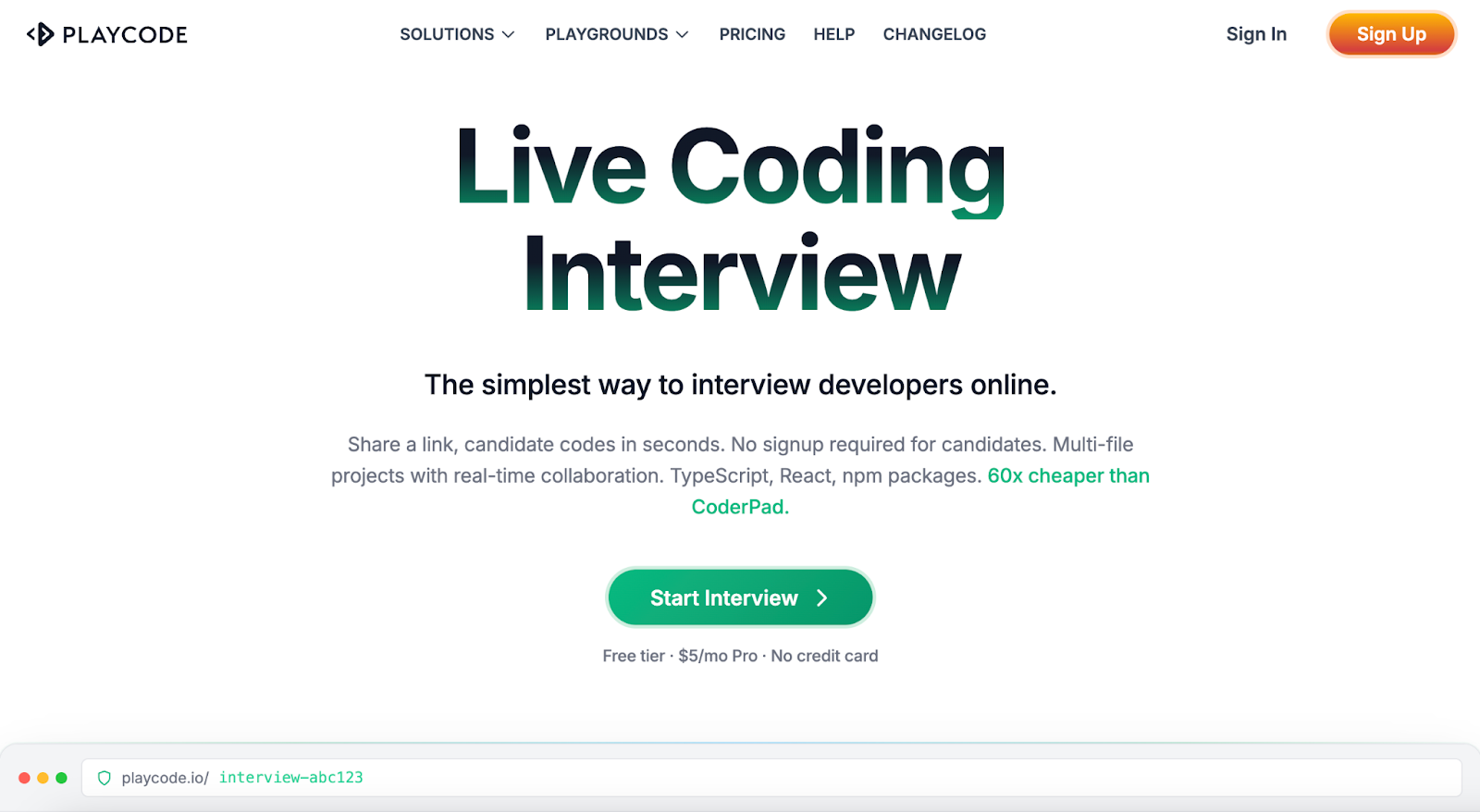
Run frontend and JavaScript coding interviews from any browser
PlayCode is a browser-based coding sandbox often used for lightweight coding assessments and pair programming environments. We've included PlayCode despite the absence of an established G2 rating because it fills a distinct niche — frontend and JavaScript-focused browser interviews at a lower price point than enterprise-grade platforms — that the other six tools don't directly serve. Interviewers share a link and candidates start coding in seconds. The platform supports multi-file projects, real-time collaboration with multiple cursors, instant compilation, and live preview.
Pricing is significantly lower than most enterprise alternatives, which makes it attractive for early-stage teams. Candidates can run JavaScript, TypeScript, React, and Vue projects without installing software or creating accounts. It's a common fit for first-round technical screenings, frontend or UI/UX interviews, pair programming exercises, take-home reviews, and mock interviews.
What PlayCode does best: Frontend and JavaScript-heavy live coding at low cost, especially for startups running high-volume first-round screens.
Where it's not the right fit: Backend, data, or system-design interviews; enterprise procurement processes; teams that need proctoring or structured rubrics.
Key features
- Instant link-based interviews: Share a project link and let candidates start coding immediately with no signup
- Multi-file projects: Organize code into folders and files for real-world scenarios
- Coding autocomplete: Speed up input with smart code suggestions
Who it's best for
- Frontend-focused startups and bootcamp-adjacent hiring programs running first-round JavaScript/React screens on tight budgets
Pros
- No signup required for candidates
- AI coding assistance, bug detection, and instant code evaluation
- Runs entirely in the browser with fast compilation and live preview
Cons
- Free tier limits sessions and code lines, which can cut off longer interview problems mid-session
- Less suitable for large enterprise-level hiring — no ATS integration, SSO, or audit logging
- Some advanced IDE features, debugging tools, and analytics are [